
The fastest way to spot a fake or exaggerated discount is checking the item’s actual price history on a free tool like CamelCamelCamel or Keepa before trusting the percentage-off badge on the page. If the current “sale” price is close to, at, or above what the item has typically sold for over recent months, the discount is misleading regardless of how large the advertised percentage looks.
Beyond price history, a handful of other patterns — inflated “original” prices, manufactured urgency through countdown timers, and vague “limited stock” claims — are common enough tactics that recognizing them takes only a little practice.
As an Amazon Associate we earn from qualifying purchases at no extra cost to you. Product prices and availability are accurate as of the date shown and are subject to change.




Top 3 picks at a glance
Quick answer
Check price history before trusting a sale badge, be skeptical of “was” prices that seem unusually high relative to the item’s typical selling price, and watch for countdown timers or stock warnings that reset or reappear identically on repeat visits. A genuine deal holds up against actual historical pricing, not just against an inflated comparison number on the same page.
| Red flag | How to verify |
|---|---|
| Inflated “original” price | Check price history on CamelCamelCamel/Keepa |
| Countdown timer | Revisit later or refresh; note if it resets |
| “Only X left” stock warning | Check if the number changes or stays fixed over repeat visits |
| Discount only on this one retailer | Compare against other retailers’ current prices |
The inflated “original price” tactic
The most common fake-discount pattern is setting a list or “original” price well above what the item has typically sold for, then applying a “sale” price that’s actually close to the item’s normal price — the percentage-off figure looks impressive, but the actual dollar amount you’re paying isn’t meaningfully lower than usual. This works because most shoppers compare the sale price to the displayed original price on the same page, rather than to the item’s real historical selling price.
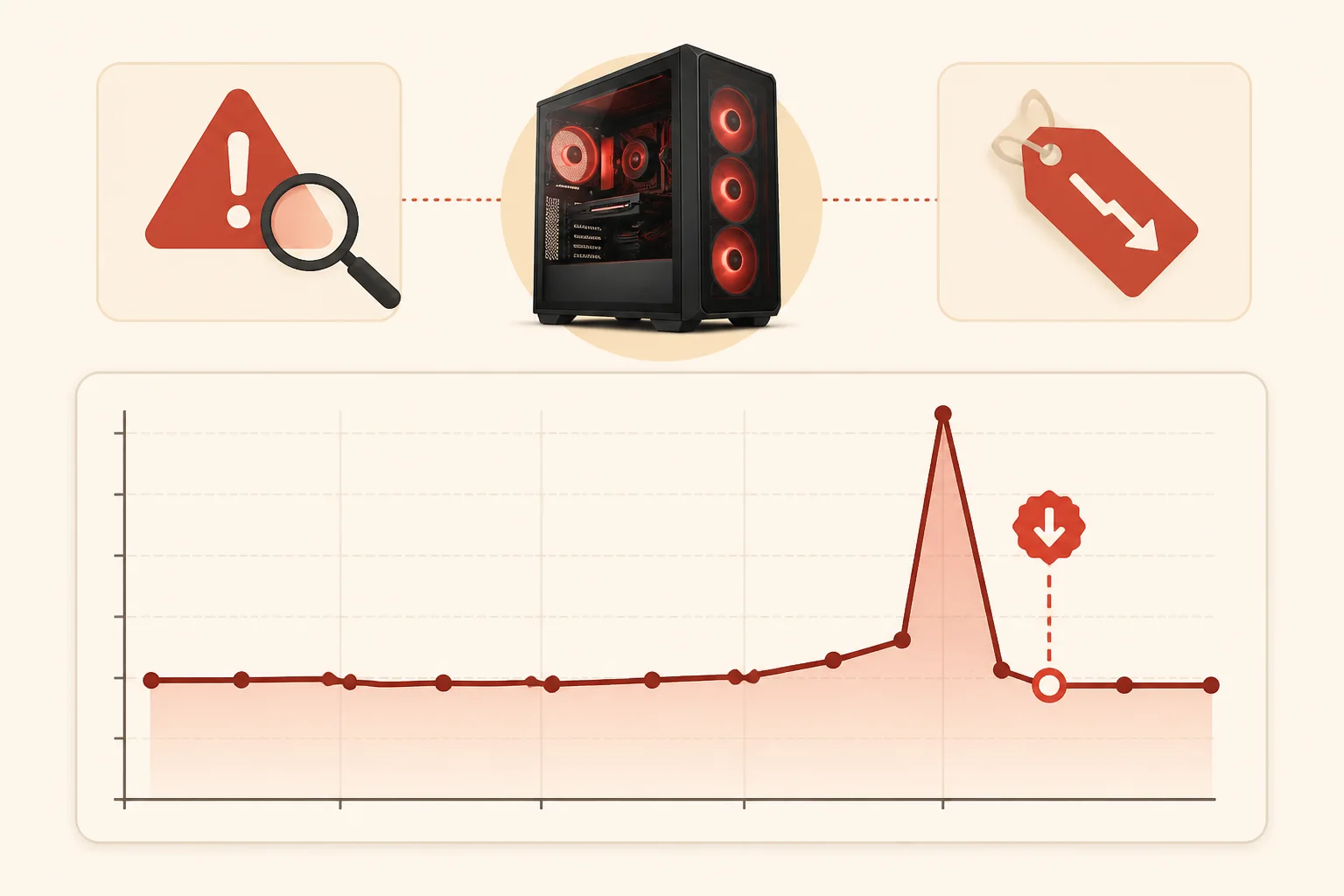
Price history tools solve this directly by showing the item’s actual price trend over time, independent of whatever comparison number the retailer chooses to display. A genuinely good deal shows the current price at or near the chart’s historical low; an inflated discount shows the current price sitting roughly where it’s always been, just presented next to an artificially high “original” figure.
This tactic is legal in most jurisdictions as long as the original price was charged at some point, even briefly, which is part of why it’s so common — retailers can set a genuinely real but rarely-charged price specifically to use as a comparison point for a “discount” that isn’t much of one in practice.
The size of a realistic discount also varies meaningfully by hardware category, which is useful context when judging whether a specific percentage claim is plausible in the first place. Storage tends to see some of the deepest and most frequent legitimate discounting of any PC component category, since it’s a commodity product with thin margins and constant competition. A large advertised discount on an SSD is genuinely common and often real. A similarly large advertised discount on a recently released, in-demand GPU is far less typical in practice, since that category tends to see shallower and less frequent markdowns while demand remains high — which makes an unusually large claimed discount on a hot new GPU specifically worth extra scrutiny against its actual price history before trusting the headline number.
Manufactured urgency: countdown timers and stock warnings
Countdown timers that create a sense of “buy now or miss out” are a standard e-commerce tactic, and some are tied to genuinely time-limited promotions. Others reset automatically once they hit zero, or show an identical countdown if you revisit the page later or from a different browser session — both are signs the urgency is manufactured rather than tied to an actual expiring offer.
“Only 3 left in stock” warnings follow a similar pattern. Genuine low-stock warnings do exist, but some retailers display a persistently low, unchanging number regardless of actual inventory, specifically to create pressure to purchase quickly without giving yourself time to price-check elsewhere. If the number stays exactly the same across multiple visits over several days, that’s a reasonable sign it’s not tracking real inventory.
Neither of these tactics is something a price tracker can directly verify, since they’re about behavioral pressure rather than pricing data — recognizing the pattern through repeat observation is the practical defense here.
A simple, low-effort verification method for both tactics: open the product page in a private or incognito browser window, or from a different device entirely, and compare what you see against the original session. A countdown timer that shows a completely different remaining time in a fresh session, rather than continuing from where the original session left off, confirms the timer is tied to your individual visit rather than a genuine shared deadline. The same check works for stock warnings — if a “fresh” session shows the identical “only 3 left” figure as your original visit from days earlier, that’s a strong signal the number isn’t tracking real, changing inventory.
Comparing across retailers, not just within one
A discount can be genuine relative to that specific retailer’s own price history while still not being the best available price if another retailer is currently selling the same item cheaper without any “sale” framing at all. Checking a cross-retailer comparison tool like PCPartPicker, or simply searching the exact product model number across a couple of major retailers, catches this pattern that single-retailer price history alone won’t reveal.
This matters most for components with standardized model numbers, like GPUs, SSDs, and RAM kits, where the exact same product is commonly sold by multiple retailers and direct price comparison is straightforward. For retailer-exclusive bundles or custom configurations, this comparison is harder to do cleanly since there’s no identical listing elsewhere to check against.
Search by the exact manufacturer model number rather than the general product name whenever possible, since a general search often surfaces a mix of genuinely identical listings and superficially similar but different variants (a card with slightly different clock speeds, a drive with a different capacity in the same product line). Comparing prices across variants that aren’t actually the identical product defeats the purpose of the comparison and can make a legitimately fair price look artificially expensive or cheap relative to a product that isn’t quite the same thing.
Reading “% off” claims critically
A percentage-off figure is only as meaningful as the baseline it’s calculated from, and that baseline isn’t always disclosed clearly or accurately. When a page shows a discount percentage without a clear, verifiable “original price” reference, or when the referenced original price seems implausibly high for that specific product category, treat the percentage figure with skepticism rather than as a reliable indicator on its own.
Comparing the actual dollar price directly against price history, rather than focusing on the percentage figure at all, sidesteps this issue entirely — the percentage is a marketing framing device, while the actual price you’d pay is the number that matters for your decision.
Bundle deals and the total-cost comparison
Bundle promotions, where a discount only applies when buying a GPU with a specific motherboard, or a CPU paired with a specific game code, deserve their own separate scrutiny rather than being judged by the same price-history method used for a single item. Since bundle pricing generally isn’t tracked by CamelCamelCamel or similar tools at all, the only reliable check is manually pricing out each component of the bundle separately at its own best current price and comparing that total against the bundle’s advertised price.
A bundle that saves a genuinely meaningful amount compared to buying every included item separately at its own competitive price is a real deal. A bundle that only saves a token amount, or one where an included “bonus” item (a game code, a small accessory) is being used to justify an otherwise unremarkable price on the main component, is a variation on the inflated-comparison tactic — the bundle framing is doing the work of making an ordinary price look like a discount, the same way an inflated “original price” does on a single-item listing.
Checking a deal before buying
- Note the current advertised price and the claimed discount percentage.
- Check the item’s price history on CamelCamelCamel or Keepa if it’s on Amazon.
- Compare the current price against the chart’s historical low, not just the displayed “original” price.
- Cross-check the same product on another retailer or through PCPartPicker for a broader comparison.
- Note whether any countdown timer or stock warning changes on a repeat visit later, ideally from a fresh browser session.
- Proceed with the purchase only once you’ve confirmed the price is genuinely competitive against real historical and cross-retailer data.
When these checks don’t fully apply
Brand-new product releases won’t have meaningful price history yet, so a “launch discount” can’t be verified against historical data the same way an established product’s discount can — in this case, cross-retailer comparison and checking the manufacturer’s own suggested retail price are the more useful reference points instead.
Bundle deals, where a discount only applies to a combination of items purchased together, aren’t well captured by single-item price history tools, since the tools generally track individual product listings rather than bundle pricing specifically. Manually comparing the bundle’s total price against buying each item separately at its own best current price is the more reliable check in that case.
Extremely short flash sales that are priced fairly and genuinely limited in duration can look similar, at a glance, to a manufactured urgency tactic — the distinction is whether the price itself checks out as a real historical low, not just whether urgency messaging is present.
Refurbished and open-box listings present another category where the standard price history check needs adjusting. These listings are frequently tracked separately from the new-condition listing for the same product, sometimes with much thinner price history since they depend on irregular incoming refurbished stock rather than a continuous retail supply. A refurbished listing showing a large discount relative to the new-condition price is often genuinely reflecting the different condition rather than being a manipulated figure, but it’s still worth checking that the discount is reasonable for a refurbished unit specifically, rather than comparing it against the new-condition item’s own price history as if they were the same product.
Building the habit over time
These checks feel slow the first few times, but a price-history glance and a quick cross-retailer search become fast enough to do reflexively within a few purchases, adding well under two minutes to a typical buying decision once the habit is established. Treating this as a standard part of any purchase over a modest dollar threshold, rather than something reserved only for purchases that already feel suspicious, catches the inflated-discount pattern before it has a chance to influence the decision at all, rather than after the fact when a refund or return is the only remaining option.
Troubleshooting
Symptom: Price history tool shows no drop, but the page clearly displays a large discount percentage. Cause: the “original” price used to calculate the percentage is likely inflated relative to the item’s actual typical selling price. Fix: trust the price history over the displayed percentage, and treat the deal as ordinary rather than exceptional.
Symptom: A countdown timer resets after refreshing the page. Cause: the urgency messaging is likely automated and not tied to a genuinely expiring offer. Fix: don’t let the timer pressure a purchase decision; evaluate the price on its own merits using history and comparison data.
Symptom: The same item appears cheaper on a different retailer without any “sale” framing at all. Cause: the original retailer’s discount, even if real relative to their own history, isn’t the best price currently available. Fix: compare the total cost (including shipping) across retailers before finalizing a purchase decision based on a single page’s discount claim.
Symptom: An “only 2 left in stock” warning has shown the identical number for over a week across multiple visits. Cause: the stock counter is very likely a fixed marketing display rather than a real-time inventory figure. Fix: disregard the urgency messaging and evaluate the price purely on its historical and cross-retailer merits.
Keeping the goal in perspective
The point of all this isn’t to become permanently suspicious of every sale, since genuine, well-priced discounts are common and worth taking advantage of when they check out. It’s to spend the small amount of extra time needed to tell the genuine ones apart from the manufactured ones, so a purchase decision is based on the item’s real price history rather than whatever framing a specific page happens to present.
Frequently asked questions
What’s the single fastest way to check if a discount is real?
Check the item’s price history on a free tool like CamelCamelCamel (for Amazon) before buying. If today’s “sale” price is close to or above the item’s recent normal price, the discount is likely inflated or fake regardless of what the percentage-off badge claims.
Are countdown timers on sale pages always fake?
Not always, but a countdown timer that resets after it hits zero, or that reappears identically on your next visit, is a reliable sign the urgency is manufactured rather than tied to a genuinely limited-time offer.
Why do some retailers inflate the “original” price before a sale?
A higher listed original price makes the percentage-off figure look more dramatic, which is a known tactic to make a modest or nonexistent discount appear more attractive than the actual price change.
Is a deal fake just because it’s also available cheaper somewhere else?
Not necessarily fake, but it’s not the best available deal either. A “discount” is only meaningful relative to that retailer’s own price history and to what other retailers currently charge, not in isolation.
Can price tracking tools catch every kind of fake discount?
They catch most inflated “original price” tactics effectively, since those rely on price history that tracking tools record directly. They’re less effective against completely fabricated stock scarcity claims or countdown timers, which require more manual judgment to evaluate.
Rachel Osei identified these patterns using her own price-history database covering multiple retailers and years of sale cycles, cross-referencing advertised discounts against actual recorded pricing. For related buying guidance, see how to spot a fake gaming PC deal and how to price track gaming hardware. If you’re timing a purchase around a major sale event specifically, best Black Friday gaming PC deals and seasonal sale calendar for PC gamers cover which discounts tend to be genuine each year.


